Where are your family's papers?
Yours and the whole family's, finally in one place. Everyone keeps their papers private, and shares what they want with their own.
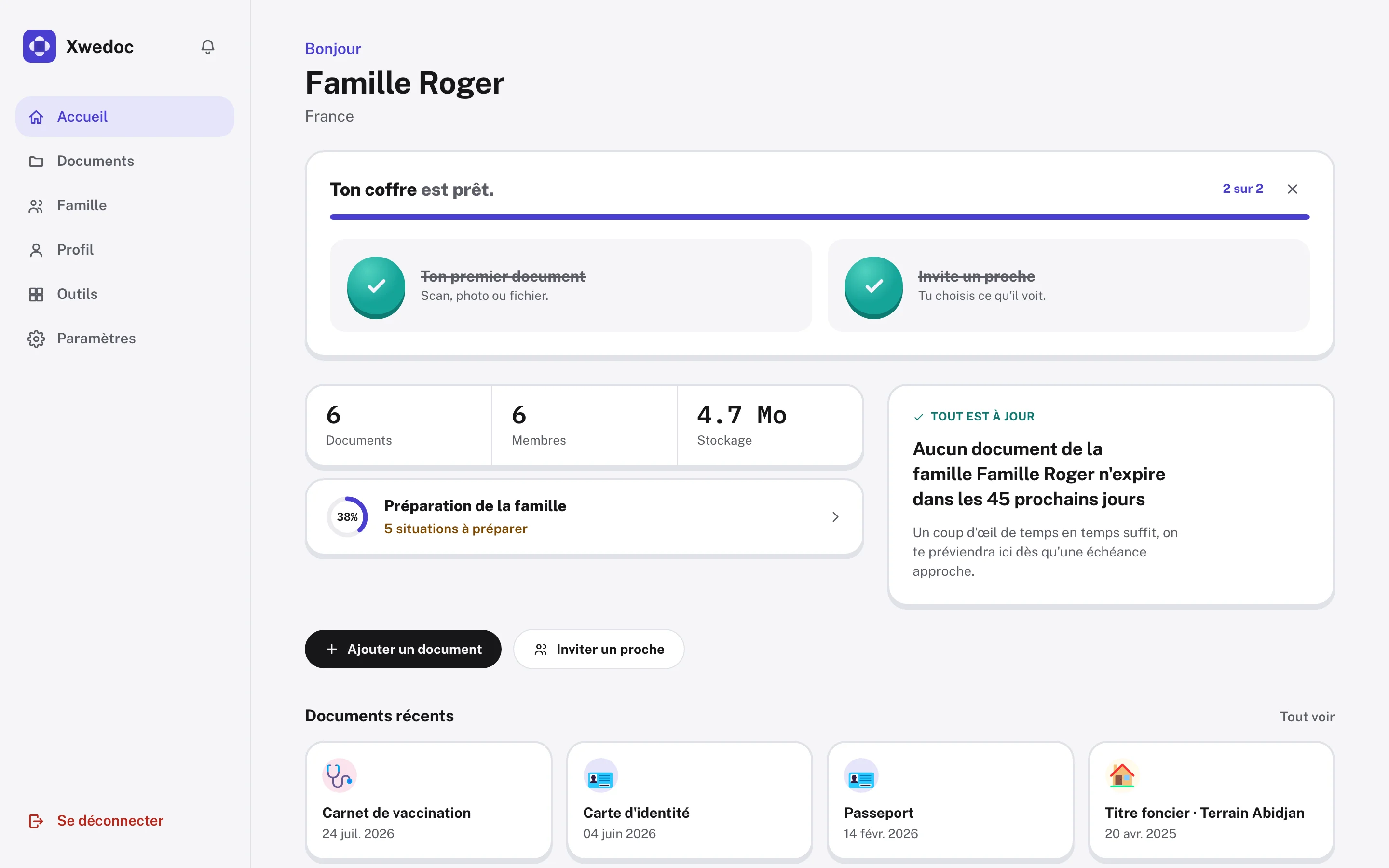
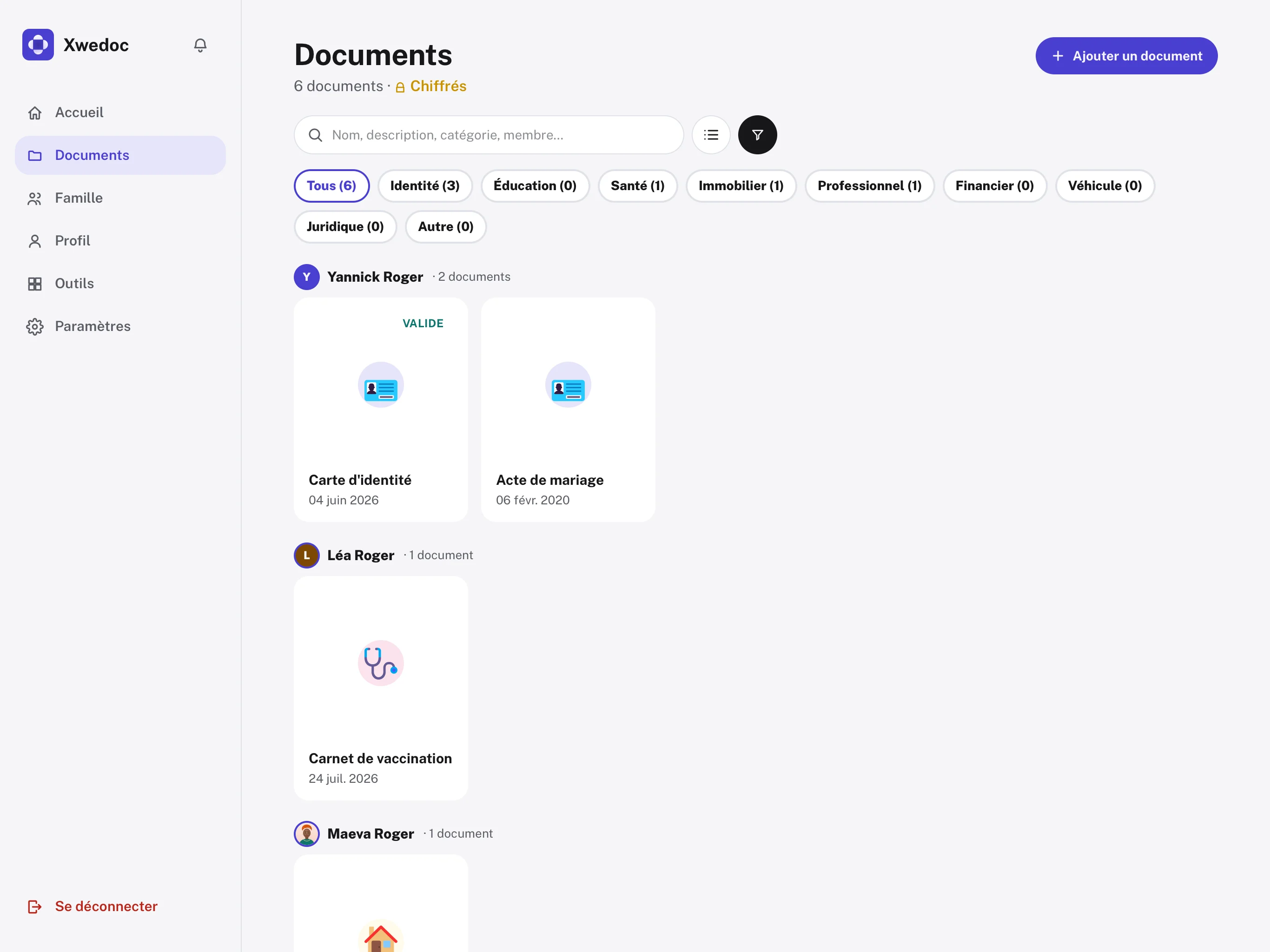
Open on a computerFree to start
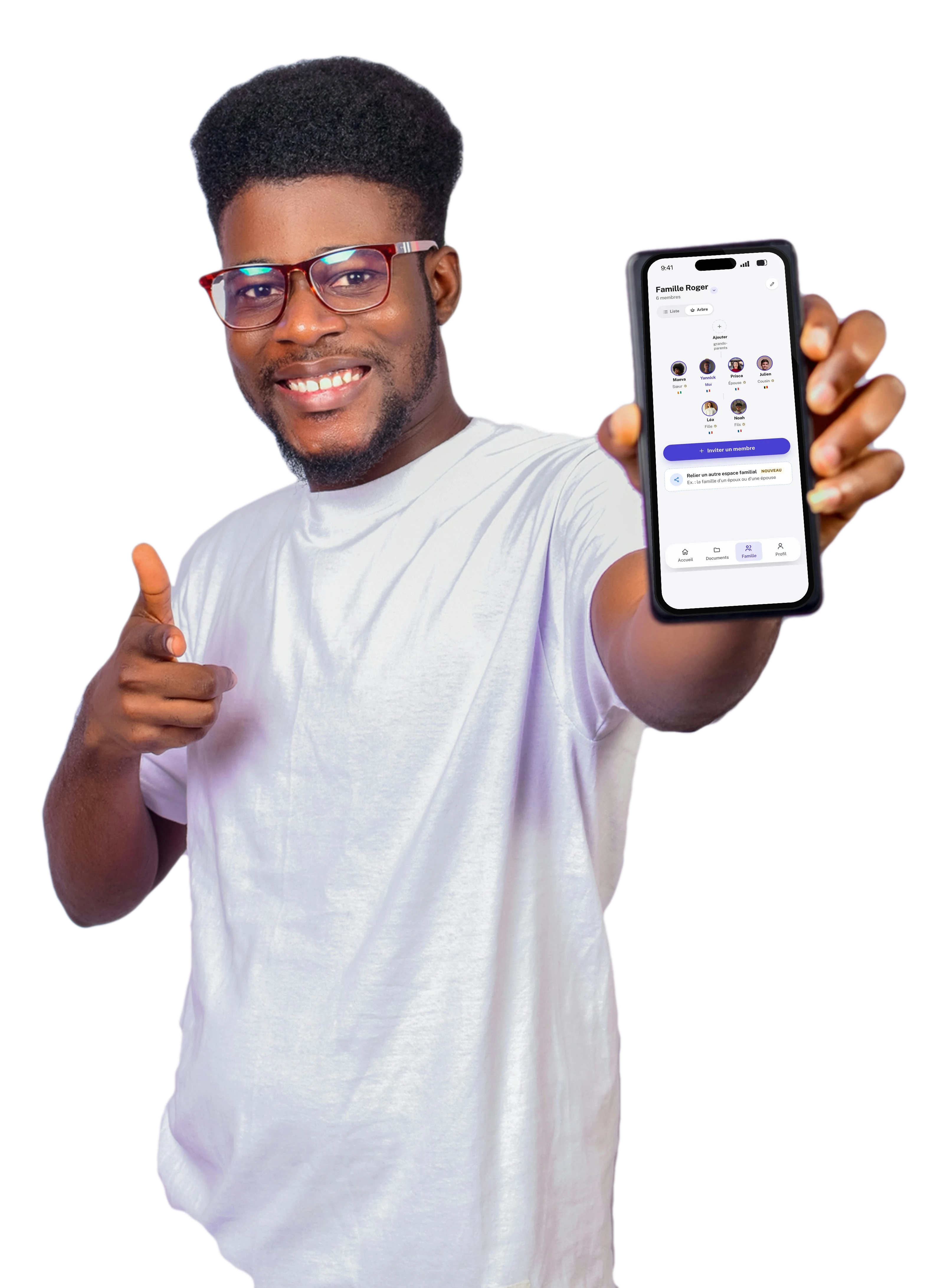
How it works.
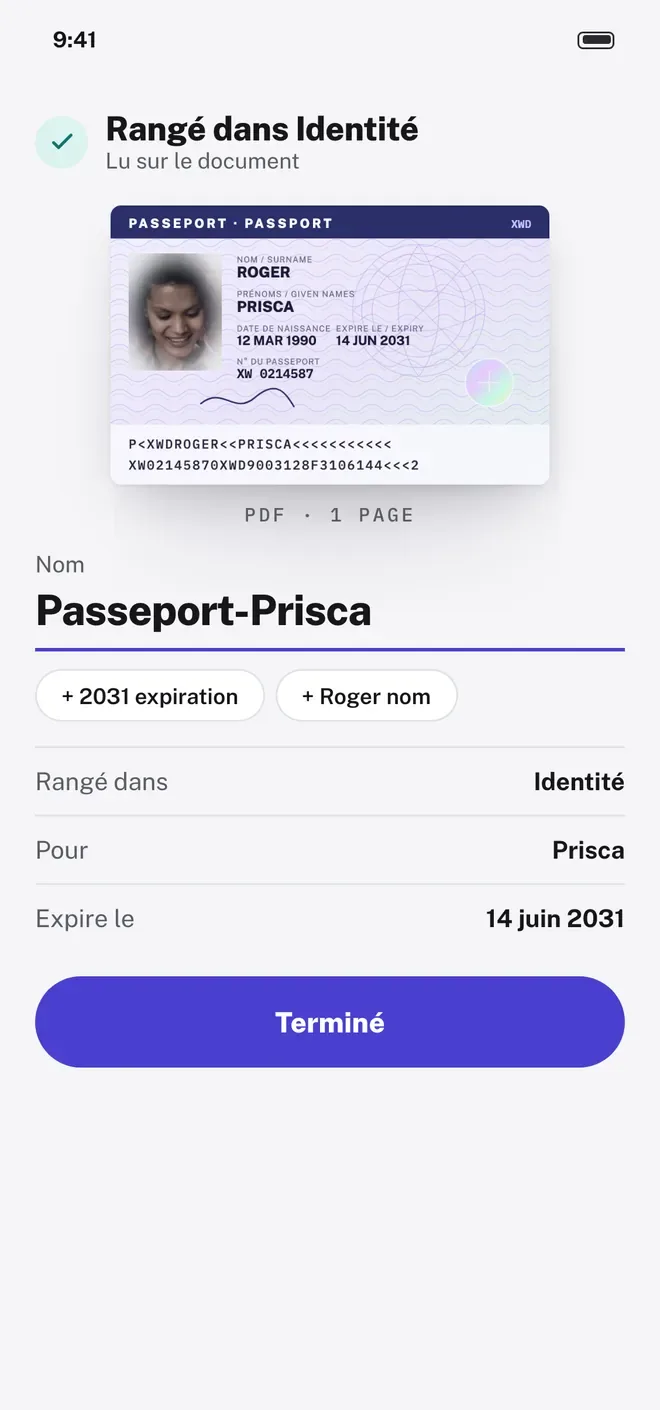
A paper about to expire? A reminder arrives in time to renew it, without the rush.
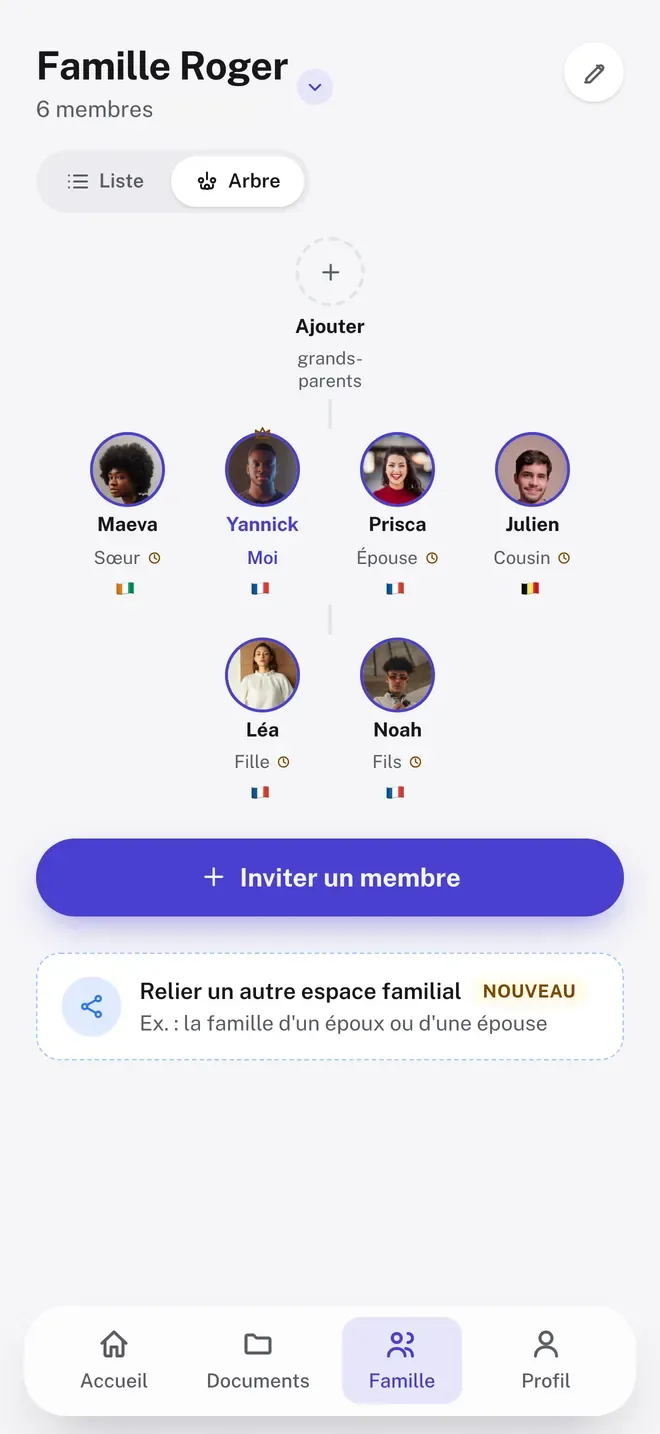
Invite a relative by link or WhatsApp. They join your family space in one tap.
No connection? Papers kept on your phone still open.
Scan
Scanned, filed, reminder included.
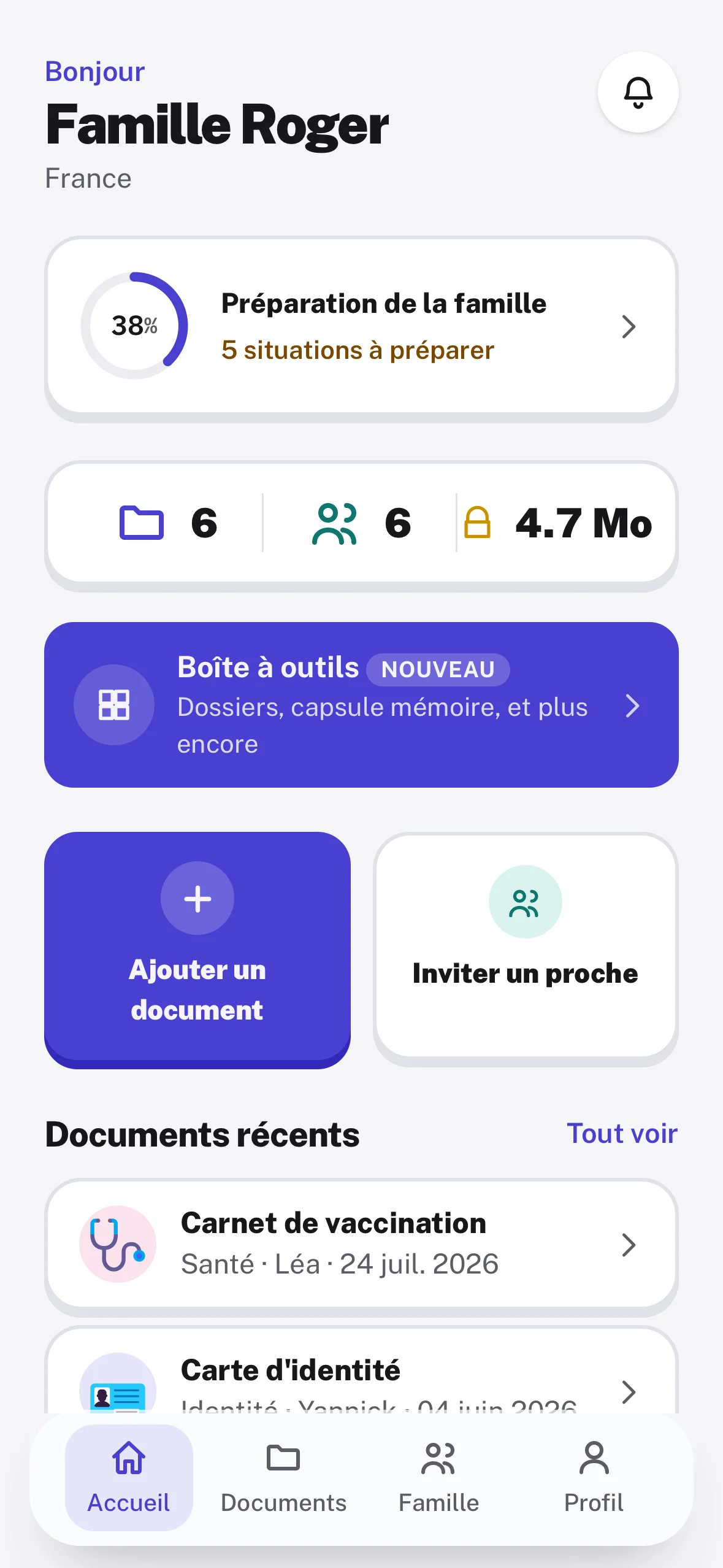
One photo is enough. Xwedoc reads the paper, files it and remembers its expiry date to remind you.
Start for freeFor the whole family
The moments when you need the right paper.
For every step of family life.

Enrolling at school
The birth certificate and school reports are ready, no searching the house.

The passport about to expire
A reminder arrives before the deadline. You have time to renew it.

A relative needs a paper
You share just that document, with the right person.

What you pass on
Prepare your papers and your words for those who come after you.
You decide who sees what.
Invite your relatives into one family space. Every document stays Private unless you choose to share it.
- Invite by link or WhatsApp
- Share document by document
- Remove access at any time
Security
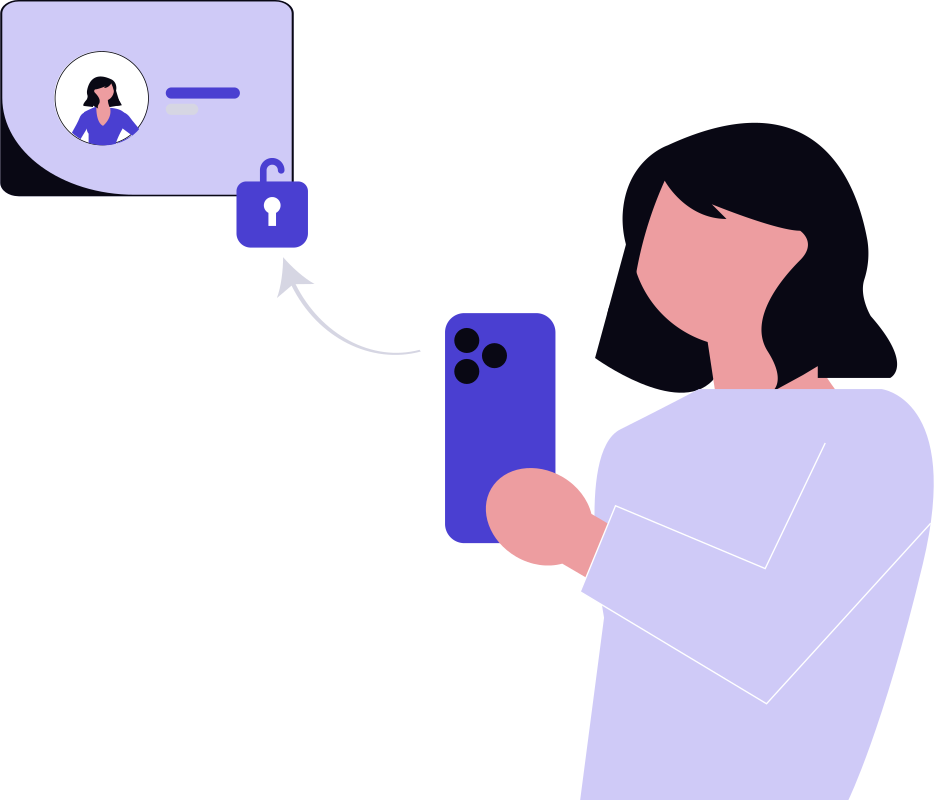
Your papers, protected.
Carefully kept in your safe. What is yours stays yours: no one sees them without your consent.
- Encrypted in transit and at rest
- Private by default
- Share links that expire
- Never sold, never ads
Everywhere
One family, several countries. The same papers.
Everyone finds, on their own phone, what the family chose to show them.
Abidjan Mum adds the little one's birth certificate. It is filed under Identity.
Cities shown as examples.
Questions
You might be wondering.
Short answers to the questions we hear most.
Who can see my documents?
Only you, by default. Then you choose, document by document, what each relative can see.
Does Xwedoc replace my originals?
No. Keep your originals somewhere safe. Xwedoc helps you find your papers, share them and remember their deadlines.
What if I have no network?
Documents you keep on your phone can still be opened, even offline.
Can I use it on a computer?
Yes. Xwedoc also opens in the browser, at app.xwedoc.com, with the same account.
Start organising your family's papers.
Free to start. On iPhone, Android and computer.
On a computerapp.xwedoc.com, with the same account.Already have an account? Log in